
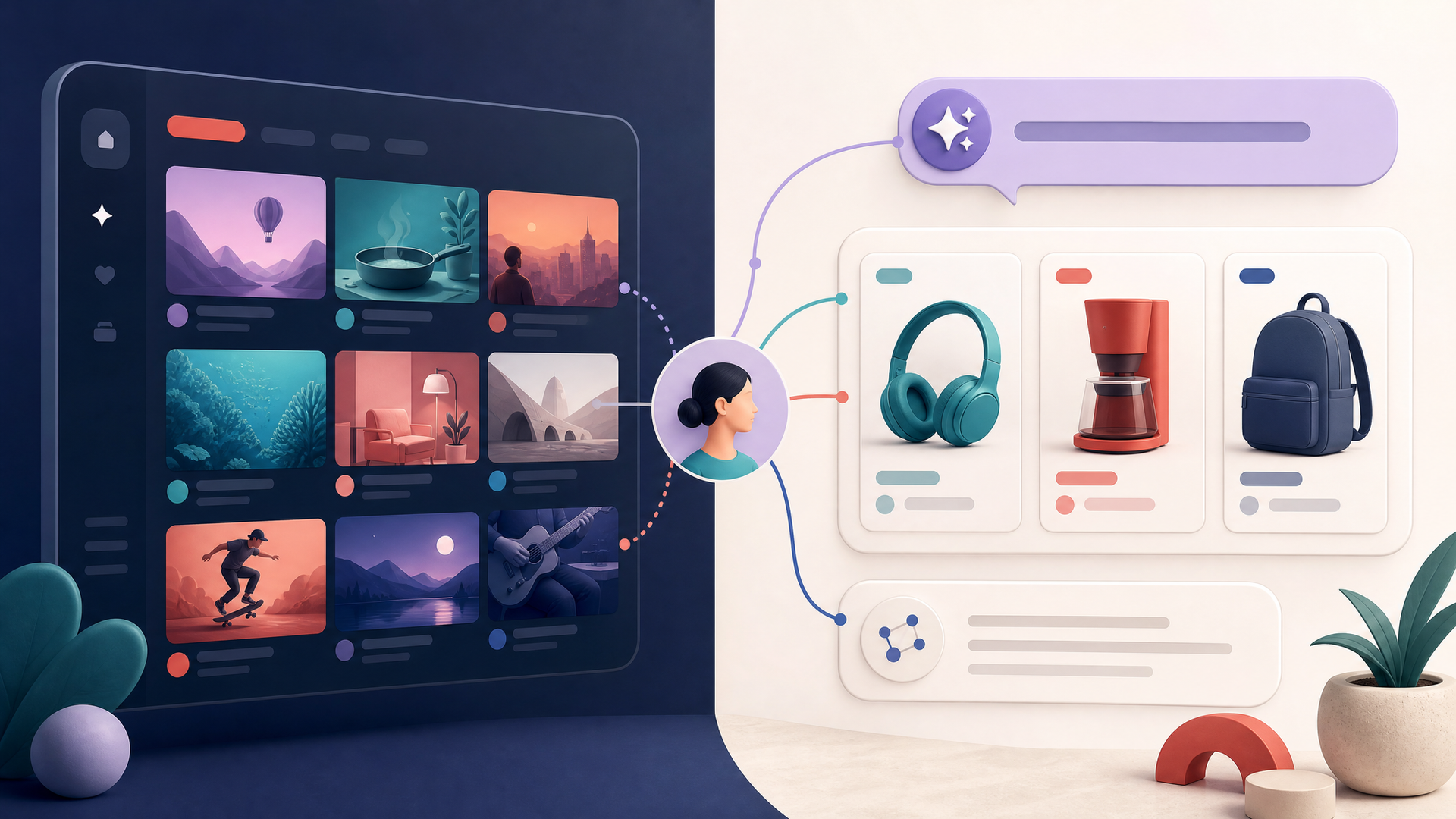
YouTube Custom Feeds are the company’s newest attempt to give viewers a more deliberate way to shape what appears on the Home page. Announced at this year’s Made on YouTube event, the feature lets a viewer create a dedicated Home tab around a mood, routine or interest rather than relying only on the platform’s default recommendations.
The same announcement adds shopping capabilities to Ask YouTube, the company’s interactive question-and-answer experience. Together, the changes move discovery closer to a conversational interface: a person can specify the kind of video experience they want, then ask follow-up questions while evaluating a product.
What YouTube Custom Feeds are designed to do
YouTube says Custom Feeds can create a separate tab for requests such as long documentaries for an evening wind-down or videos from new DIY creators. The company says viewers will be able to craft and save multiple feeds, and that the feature is coming soon to U.S. users on web, mobile and TV. A Made on YouTube FAQ gives a slightly firmer window: this fall.
That distinction matters because most recommendation controls have been indirect. People can search, subscribe, like, dismiss and clear their history, but those actions do not necessarily make it obvious how the Home page will change. A prompt-based feed offers a narrower, temporary-looking space for a particular interest without requiring someone to retrain their entire recommendation history.
Independent coverage from WIRED describes the product as a low-stakes way to steer discovery rather than replace the ordinary Home page. That framing is useful. The product is not a guarantee that viewers can fully control YouTube’s recommendation system; it is a new interface for asking for a bounded set of results.
The rollout details need careful reading
There is one detail worth keeping in view as Custom Feeds reaches users. YouTube’s launch announcement says people can craft and save multiple feeds. Its current Help page, however, says a user can maintain one custom feed at a time. The company’s published materials do not explain whether that difference reflects an early rollout, a platform-specific limitation or a change to the product.
That is not a reason to dismiss the launch. It is a reason to avoid treating the broadest announcement language as a universal description of what every user can do on day one. For now, the clearest verified picture is that Custom Feeds require a signed-in account, watch and search history, and an English device language; availability is initially limited to the United States.
Ask YouTube moves toward product research
YouTube is also adding new shopping features to Ask YouTube. The company says a viewer researching a product may receive organized video recommendations, including a comparison table based on product attributes and categories that match the person’s preferences. After selecting a video, the viewer can continue asking questions on that video’s watch page. Voice commands on TV are part of the announced experience.
This is still a discovery tool, not an autonomous purchasing system. It does not make a purchase, set a budget or take payment instructions on a viewer’s behalf. But it does make the path from video review to product comparison more conversational. That raises a more modest version of the questions already emerging around AI-assisted commerce: what information is being used to organize choices, how clearly are recommendations explained, and where does the viewer retain control? Unhyd’s coverage of agentic-commerce principles from six banks examines those issues once systems move closer to authorization and payment.
Why the change matters
The important shift is not that YouTube has found a way to make recommendations perfect. It has made the request itself more visible. Instead of pushing every preference through searches, subscriptions and reactions, viewers may be able to describe a context in plain language and receive a dedicated feed built around it.
For creators, that could create more opportunities to be discovered in narrowly defined viewing contexts. For viewers, it may reduce the risk that exploring a short-lived interest changes the feel of the entire Home page. The practical test will be whether the feeds remain useful after the first prompt, whether the controls are understandable, and whether YouTube resolves the apparent difference between its launch language and its current help documentation.
For now, YouTube Custom Feeds are a meaningful product change because they make personalization something a viewer can actively request rather than merely infer from a stream of clicks.